
A heavily customized PeopleSoft environment carries a history of business decisions. Some modifications still protect essential processes; others survive because nobody has revisited the original requirement. Modernizing Oracle PeopleSoft starts with understanding that history. The practical challenge is to introduce useful delivered capabilities while controlling the cost and risk of maintaining the differences.
Give selective adoption a clear purpose
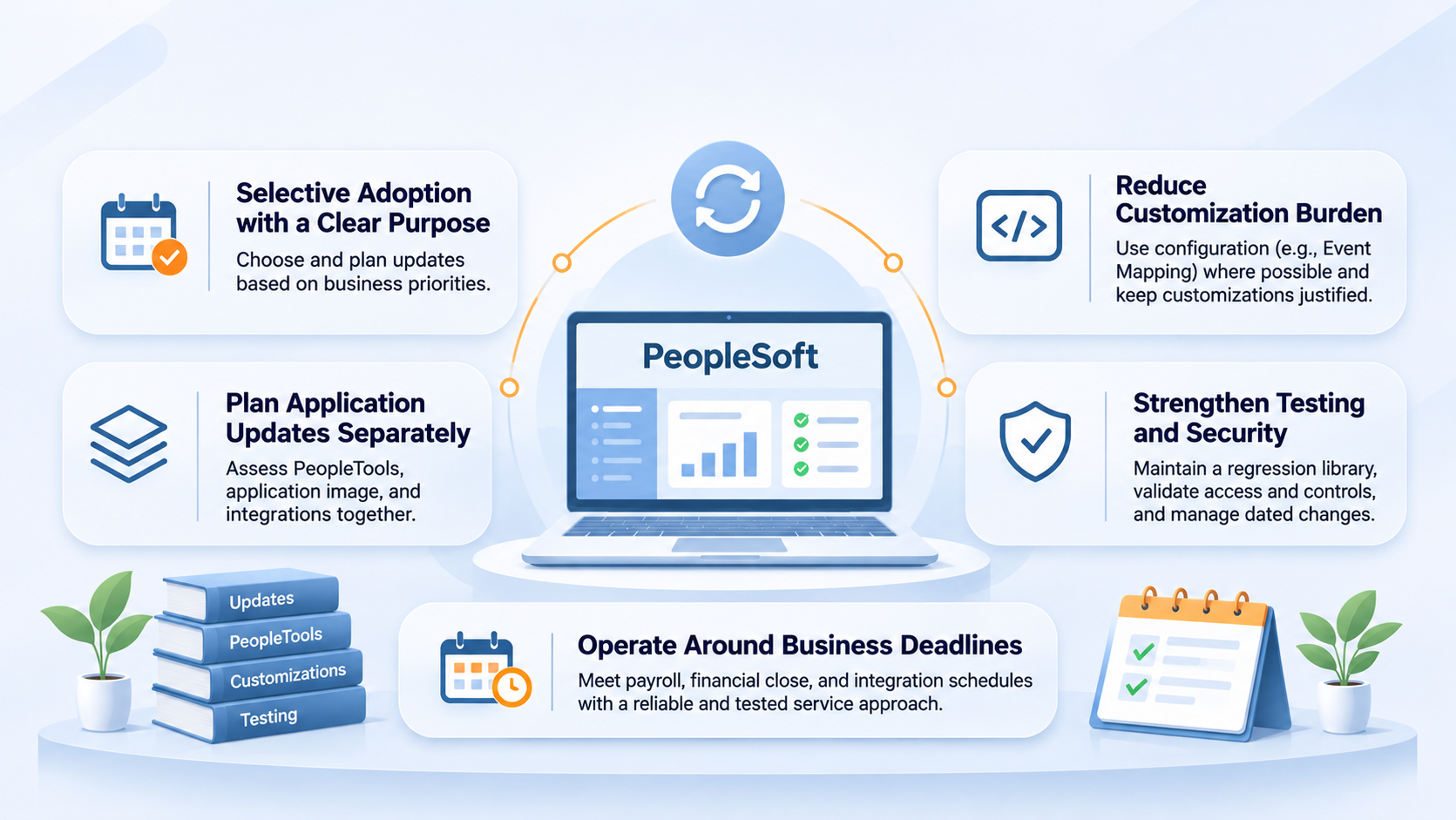
For PeopleSoft 9.2 applications, selective adoption allows organizations to choose application maintenance and enhancements through PeopleSoft Update Manager. This flexibility needs an adoption plan. Teams should review update images against business priorities, mandatory requirements, dependencies, and known defects, then agree what to take into a controlled change package. Indefinite deferral can leave a growing backlog that becomes harder to evaluate. Build your adoption plan with Oracle's selective adoption guidance.
- 1Review update image
What has Oracle delivered since the last cycle?
- 2Assess
Business priorities, mandatory changes and known defects
- 3Check dependencies
Prerequisites, PeopleTools level and customizations
- 4Agree the package
What goes in now, and what is consciously deferred?
- 5Test and apply
Regression test, then move through controlled change
Application updates and PeopleTools maintenance also need separate planning. PeopleTools provides the underlying technology, and its level affects which capabilities and technical combinations are available. A services assessment should map the application image, PeopleTools version, database, middleware, and integrations before proposing a schedule. Keeping one layer current does not establish readiness across the whole environment. Check the PeopleTools documentation for your environment.
Reduce the burden of customization
Every customization should have a business owner, a stated requirement, and an estimate of its continuing maintenance effort. Compare that requirement with current delivered functionality before carrying the modification forward. Where appropriate, configuration and features such as Event Mapping can isolate custom logic from delivered code and reduce the impact of future updates. Suitability depends on the specific requirement and supported events. Explore how Event Mapping can reduce customization impact.
Isolation does not remove the need for testing. Custom logic can still depend on delivered behavior or interact with another extension. A useful regression library links each important process to its configuration, interfaces, security roles, and expected results. Effective dated changes deserve particular attention: a transaction that works today may behave differently after a future organizational change or a retroactive correction.
Security regression should include actions a user must be prevented from taking. For example, validate whether an employee can see another business unit's sensitive information or perform incompatible financial activities. Keep these checks with the process tests so that a functional enhancement does not accidentally broaden access. Record the intended restriction and the business owner who approved it.
Operate around business deadlines
A responsive online page is only one part of service health. Payroll, financial close, benefit processing, and scheduled integrations have deadlines that depend on batch execution. Support teams should track completion against those deadlines, investigate recurring failures, and document safe restart procedures. A failed job should not be rerun until the team understands whether it already committed part of its work.
Online health
- Pages respond quickly
- Users can sign in and navigate
- Fluid pages work on real devices
Batch and deadline health
- Payroll and close finish on time
- Recurring job failures are investigated
- Restarts check what was already committed
User experience improvements should be equally specific. Fluid pages and navigation changes need validation with the people who perform the task, using their actual devices and access. Moving PeopleSoft infrastructure to a cloud platform also requires explicit responsibility for patching, monitoring, backup, and recovery; hosting alone does not provide an application maintenance strategy.
A credible PeopleSoft roadmap connects technical currency with a manageable sequence of business improvements. The services partner's contribution is to make each change understandable, testable, and supportable, while steadily reducing the effort needed to deliver the next one.